
Betvictor App | Android & iOS | UK 2026
The Betvictor App works on both Android and iOS operating systems. But does it perform optimally? Does it include all the features of the web version? Is it legal to bet using it? Below, we will not only answer all these questions, but also explain how to download the betting Betvictor app.
To download the app on Android or iOS, users must first complete their registration with Betvictor UK.
Is the Betvictor App available for UK players?
The Betvictor mobile app is available to UK players and, best of all, it is licensed by the UK Gambling Commission (UKGC). So you can place your bets from anywhere.
 Download Betvictor app
Pros and cons of the Betvictor app
Here are some of the pros and cons of downloading the Betvictor app onto a mobile phone:
Guide to installing the Betvictor app on Android and iOS
It was very quick and easy to install the Betvictor app on my Android mobile and my iPhone. On Android, unlike other bookmakers, you don’t need to download any APK files. Read on and follow these steps:
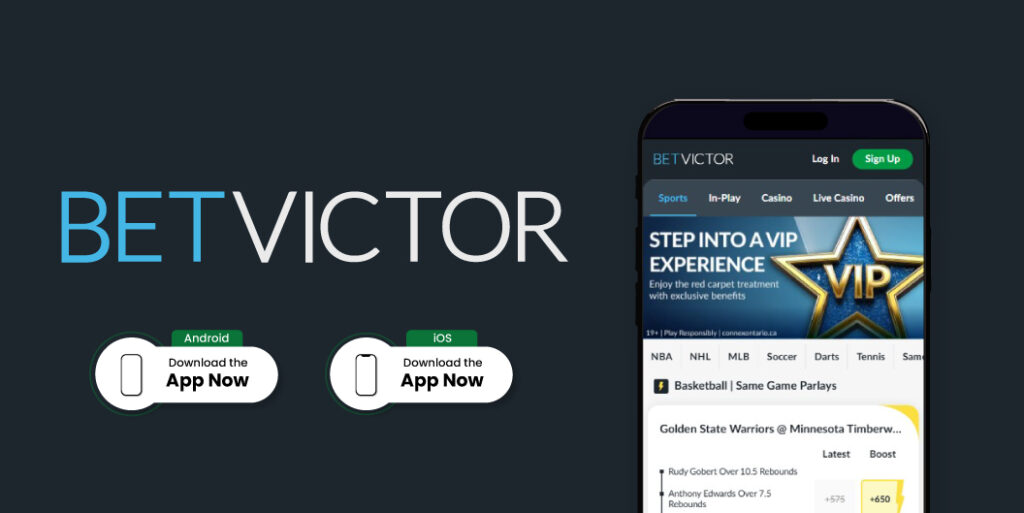
Experience installing the Betvictor app on Android
- Go to Google Play, the official Android app store.
- Type the word Betvictor into the search bar.
- Once the app appears, simply tap the ‘Install’ button.
- The download will take just a few seconds.
- When the Betvictor logo appears on your mobile, you’ll be ready to log in and place a bet.
iOS Installation Instructions
- For iOS, you need to go to the App Store, Apple’s official app store.
- In the search bar, type Betvictor.
- Then, tap the “Install” button.
- The app will download in seconds.
- Once the download is complete, you can log in.
Recent updates to the Betvictor app
According to the App Store, the latest update to the Betvictor app took place on 15 April, but little information is provided. It simply states that the update focuses on fixing minor bugs to improve the betting experience and achieve greater stability, but no further details are given. On Google Play, the latest update to the Betvictor app was released on 22 April, but as with iOS, no further details are provided.
Our hands-on experience using the Betvictor app for a week
Overall, our experience was good, but it is true that there is room for improvement. It’s true that the app includes all the features of the web version, but there were some technical glitches, such as unexpected crashes and, on occasion, it freezes, which causes inconvenience when placing live bets. However, on the Betvictor app you’ll find competitive odds, a wide variety of markets and free bets for new users. And what we liked most is its 24/7 customer service.
How to get the Betvictor app on your device?
As I mentioned, the Betvictor app is available on both Google Play and the App Store. The download is direct, meaning you don’t need to download any APK files. Of course, you must be in one of the nations that make up the United Kingdom to download the app. Oh, and very importantly: in compliance with UKGC regulations, you must verify your account to make deposits, place bets and withdraw your winnings on Betvictor.
